
How to connect Binance API กับ Khotbot 💛
- Admin Codework
- Aug 8, 2025
- 1 min read


Steps to Connect Binance API with Khotbot
1. Open the Binance app and tap on the “More” menu

2. Swipe right to the “Others” section, then select “API Management” or use the search bar to find it. (type API Management)

3. Click “Create API"

4. Choose “System generated” then click “Next”

5. Enter name, then click “Next” (ex. Khotbot)

6. Complete the “Security Verification” process as configured.

7. Click "Edit"

8. Check box with “Enable Spot & Margin Trading” and “Enable Futures”
then click "Save" button

9. Complete the “Security Verification” process as configured.

12. Copy “API Key” and “Secret Key”

13. Back to “Khotbot” then click “API Management”

14. Paste “API Key” and “Secret Key” that copied from Binance app

15. Click “Save”, if successful system will show total amount as "Your USDT balance is .."
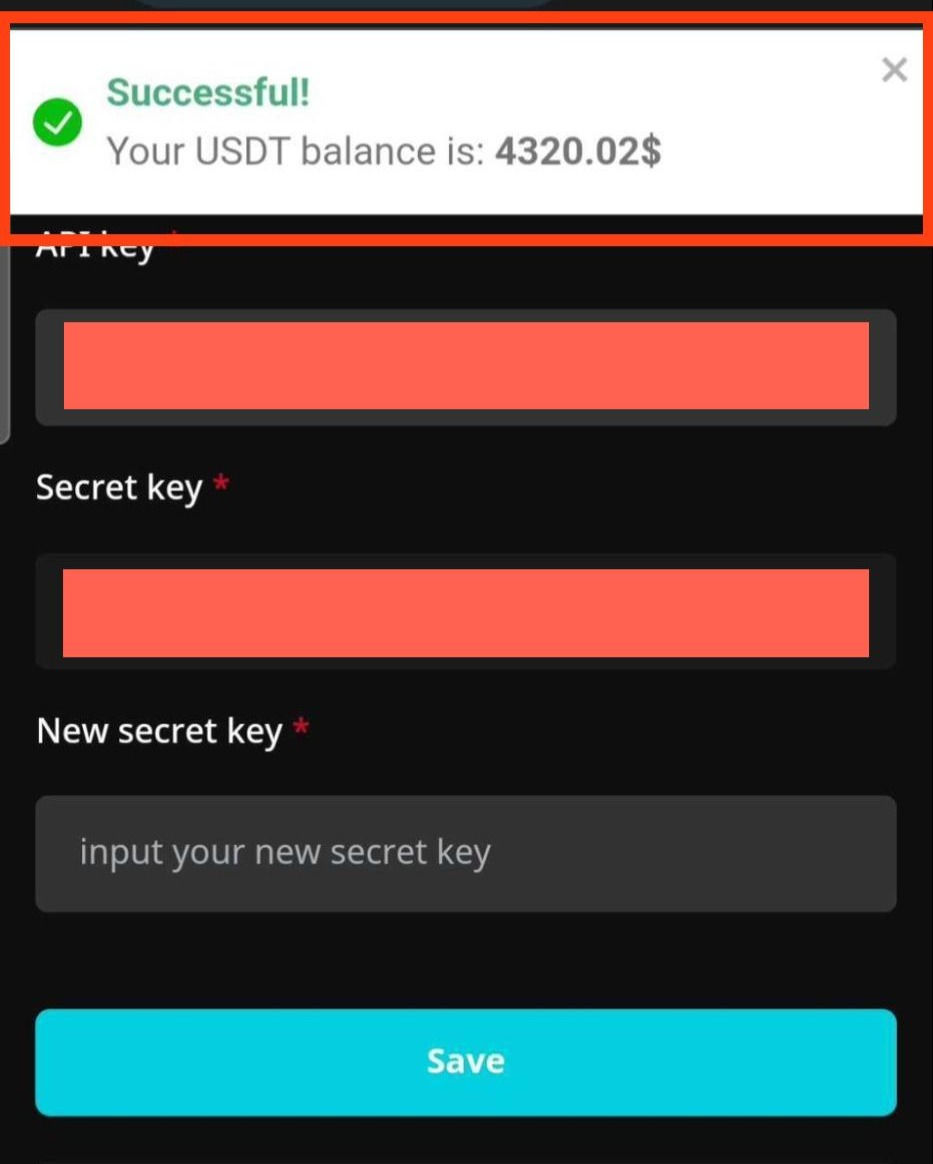
Your connection has been successfully established. You can start using Khotbot, Thank you.
_____
Or can watch steps to connect API Binance with Khotbot
Youtube:
or contact us via line: @khotbot or https://lin.ee/gJwp4yN for further information.


Comments